


Blog / Private networks and security
An independent router: the first step towards a secure private network
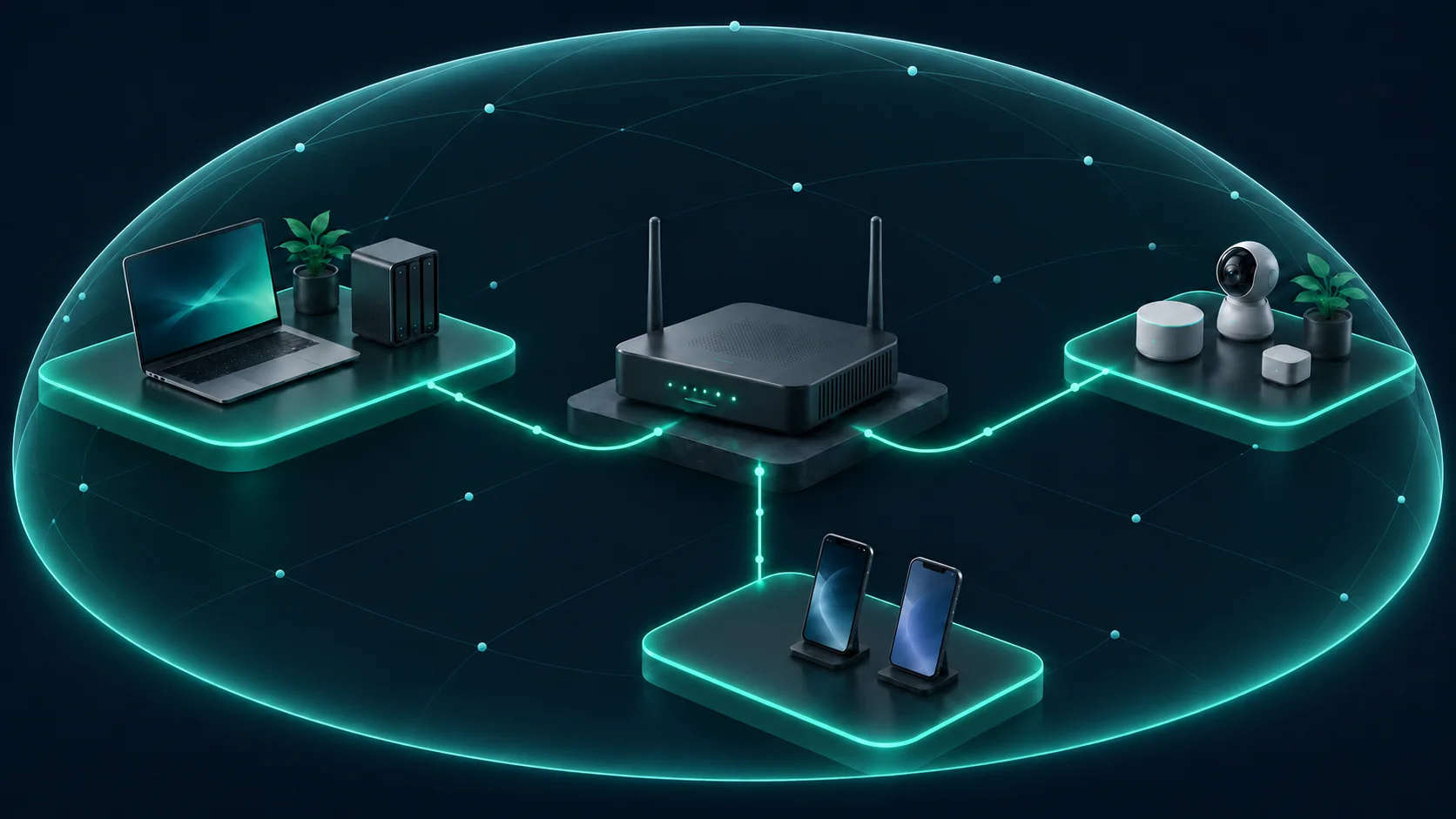
An independent router is a device you choose to manage your network, rather than relying solely on the one supplied by your internet provider. It provides a good foundation if it offers ongoing support, updates and network segmentation. Protection depends on configuration and maintenance, including when you use your provider’s equipment.
A Wi-Fi network for each purpose
- Main: computers, phones and devices that need access to private files.
- Smart home: cameras, TVs and sensors, with access only to the services they need.
- Guests: internet access for visitors, without access to your devices or administration tools.
Configure actual separation using guest networks or virtual LANs (VLANs) and firewall rules. Multiple Wi-Fi names or different frequency bands do not guarantee isolation. If guests only need internet access, also enable isolation between their devices.
Two separate passwords
Replace the factory Wi-Fi password with a long, unique one for each network. Change it when it is no longer private or when you need to revoke access. Use a different, unique password to administer the router; knowing the Wi-Fi password should not allow someone to change its settings. The FTC recommends securing both separately.
Protect router administration
Allow access to the admin panel and SSH only from authorised devices on a trusted local network or through a private VPN such as WireGuard. Block both from guest, smart-home and other shared Wi-Fi networks using specific access rules. For SSH, prefer key-based authentication.
Complete the protection
- Use WPA3 where supported; WPA2-AES when compatibility is needed.
- Keep firmware current and replace the router when its support ends.
- Disable WPS and enable UPnP only if essential.
- Keep the panel and SSH off the public internet; use a VPN for remote access.
- Keep a protected configuration backup and review connected devices.
INCIBE’s Spanish-language guide “Tu router, tu castillo” expands on these measures.
Check both sides: guests should have internet access, while the panel, SSH and your private files remain inaccessible to them. Administration should still work from authorised devices on the LAN or through WireGuard.
A private network starts with deciding who can connect and how far they can reach.
Image: AI-generated illustration for Seryn Dome.

Deja una respuesta